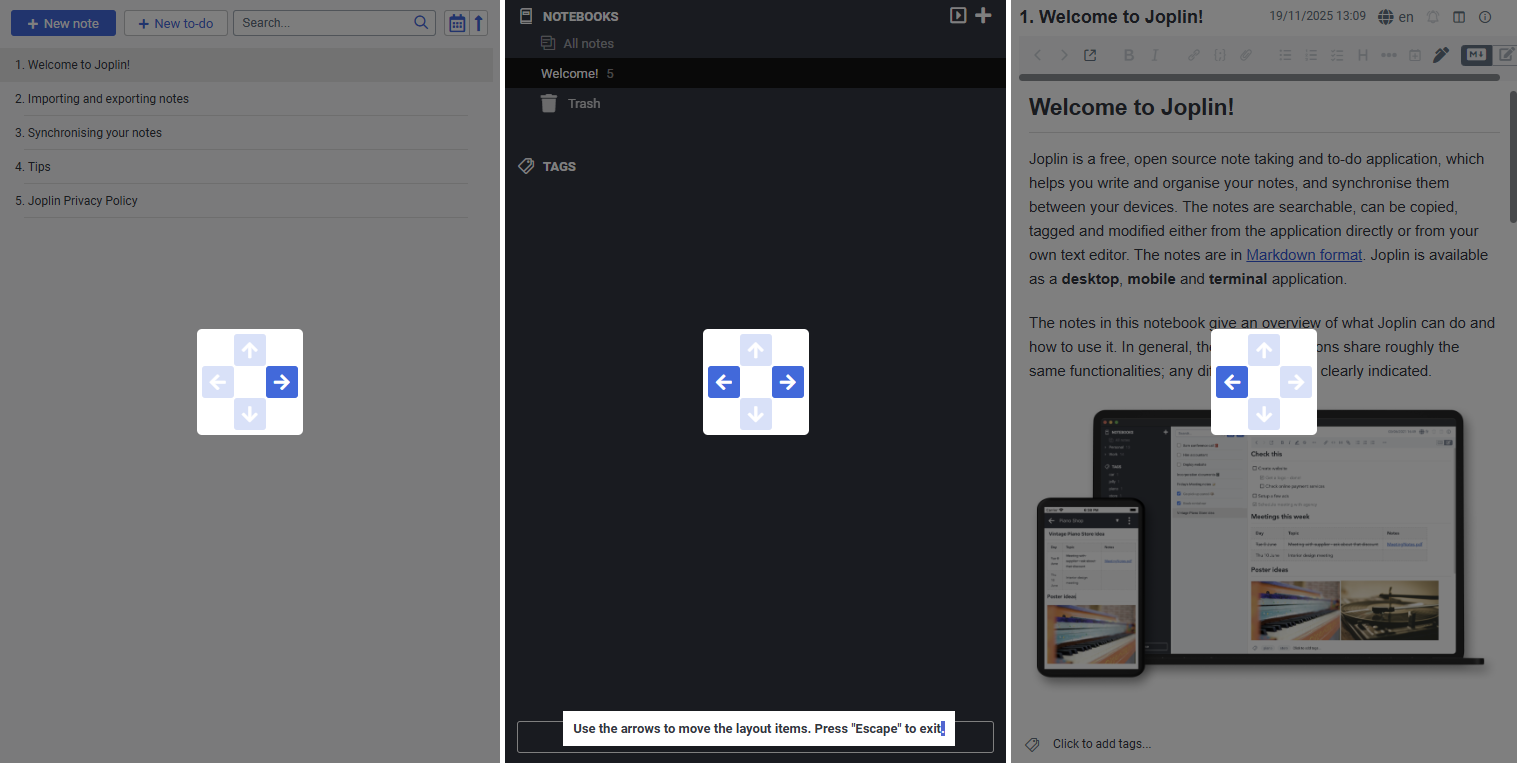
Still wishing this was possible. The current application layout space of possibilities is really designed for landscape monitors and not portrait monitors imo.
As a workaround, you could stretch the notebook bar and note list to fill as much as possible, then open notes in a new window for viewing and editing.
Annoyingly though, opening a new note window does not open with the same size and position of the previously opened window. A middle ground to avoid faffing with window resizing every time would be to maximise the new window to fill the screen (kind of like the mobile ui), but this is not done automatically when opening a new window either
@_vg Ah I see what you mean now, there is a Change application layout option. What essentially is needed is for the up / down buttons to be functional when all panels are side by side, so you can move a panel to the top or bottom:
 .
.