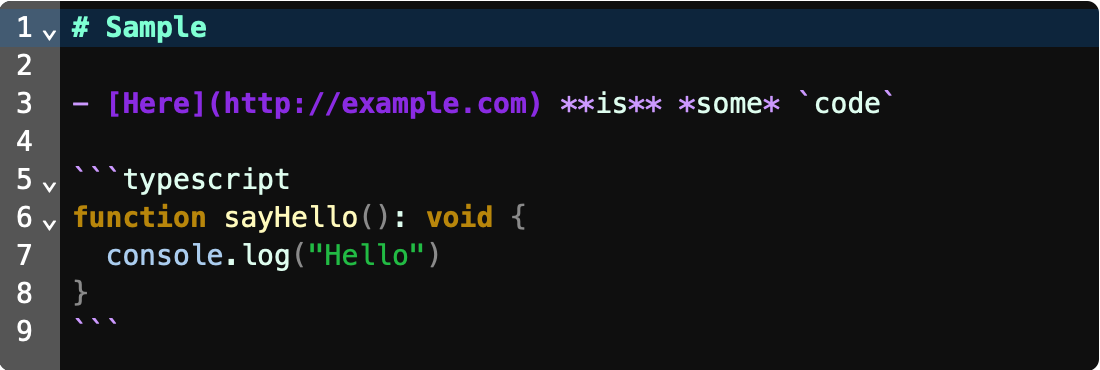
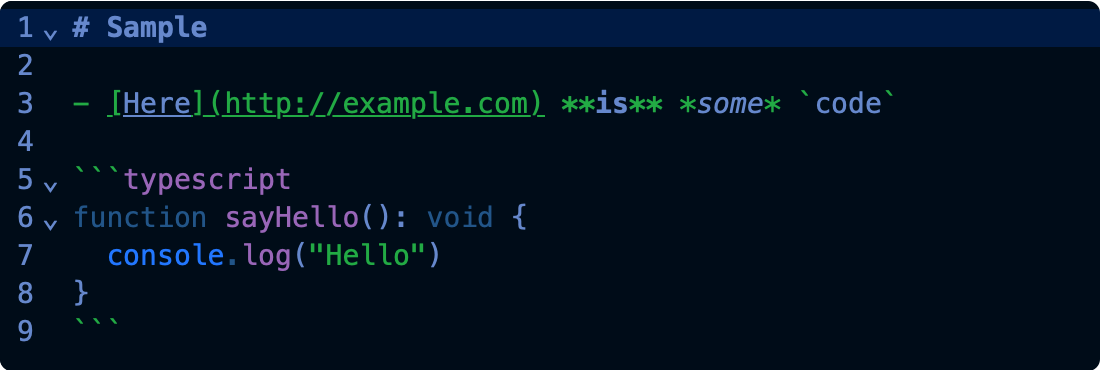
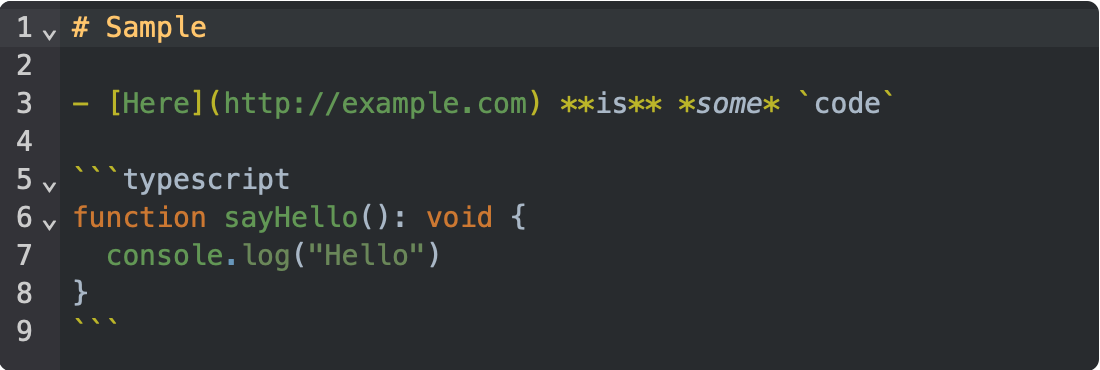
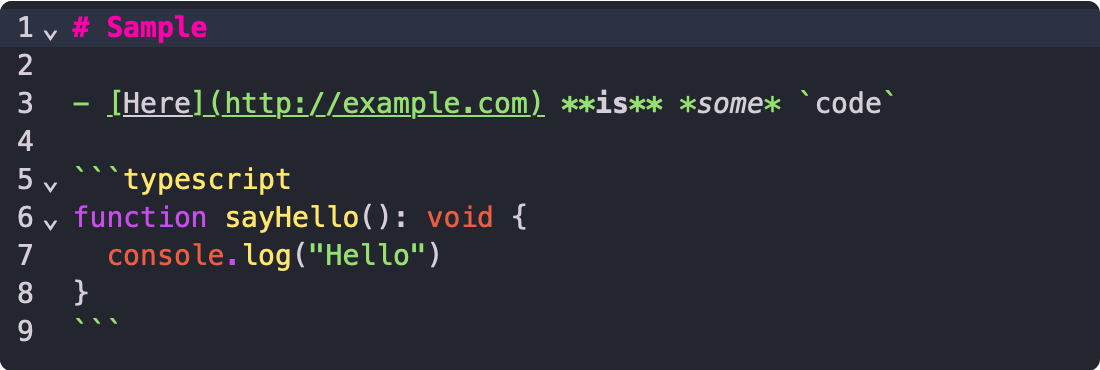
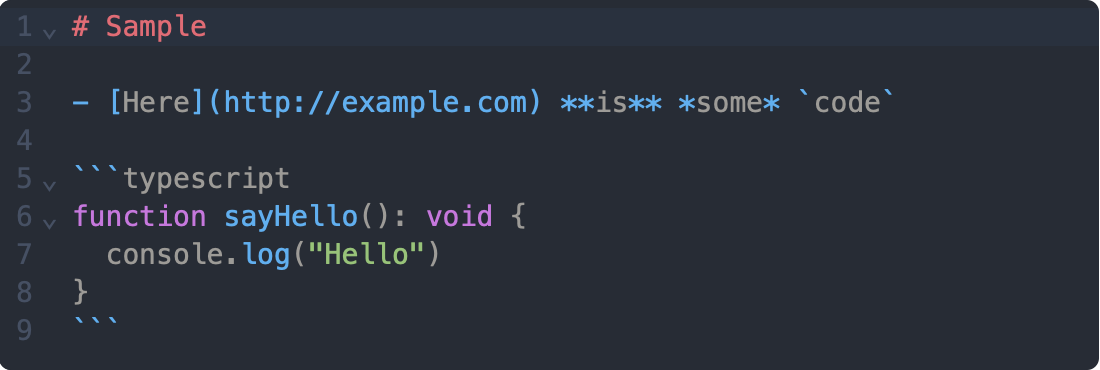
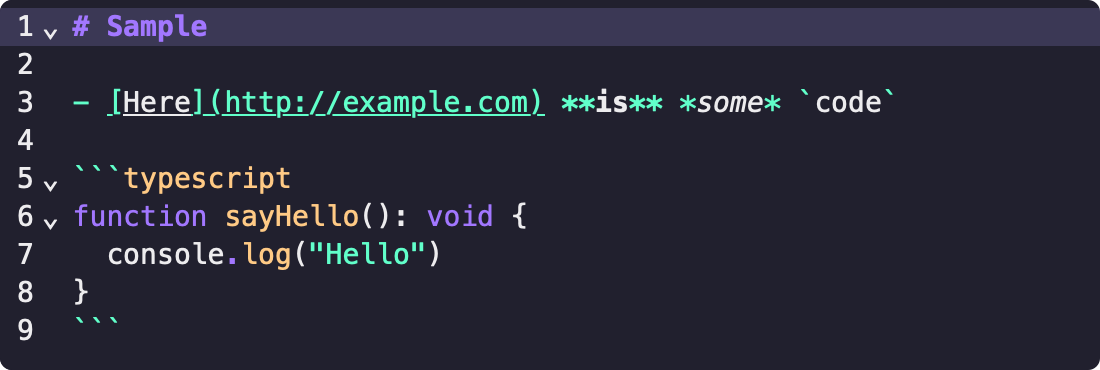
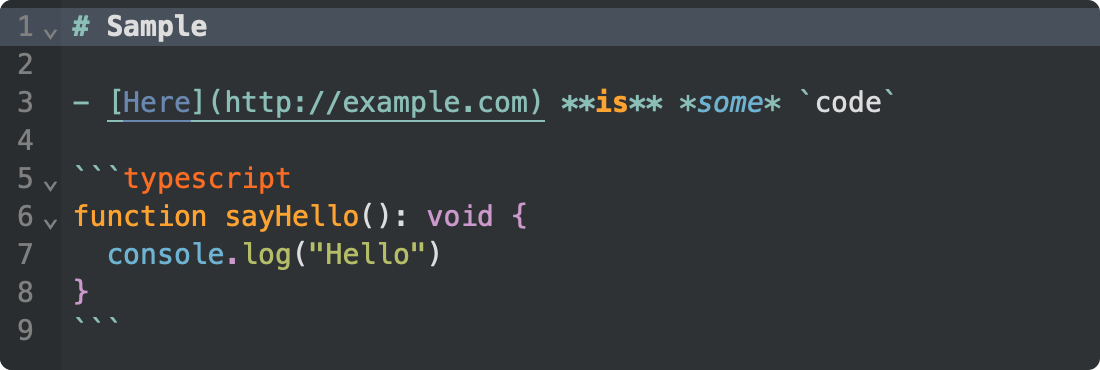
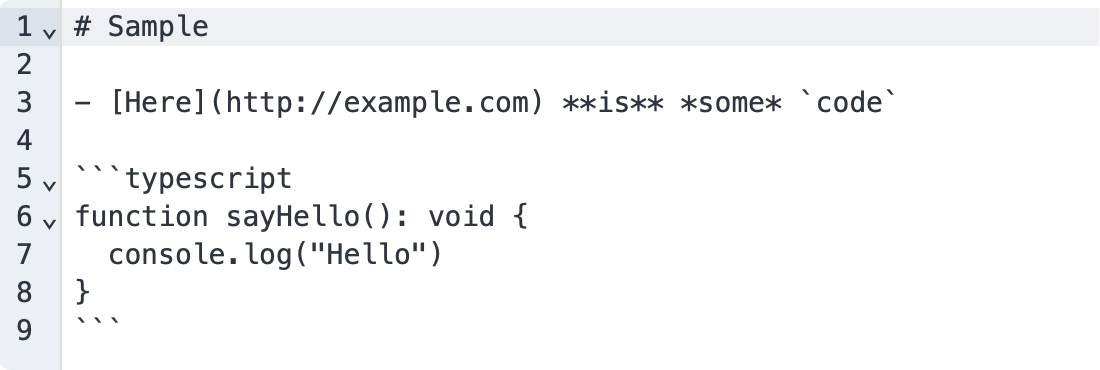
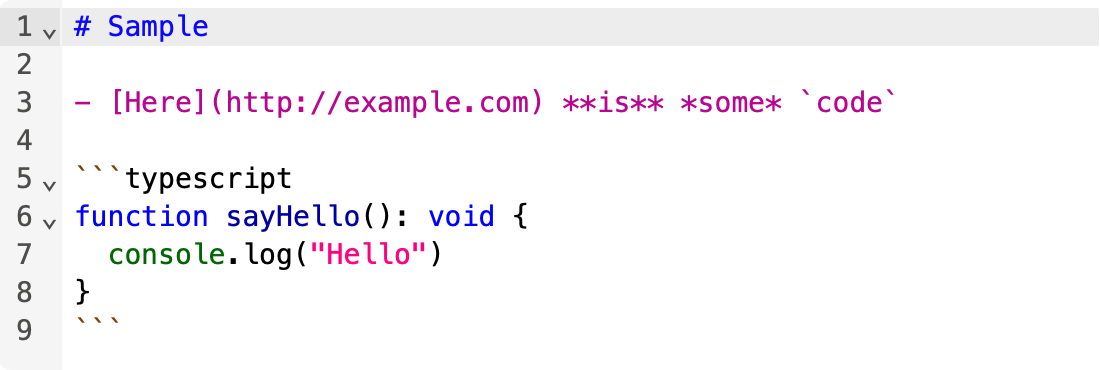
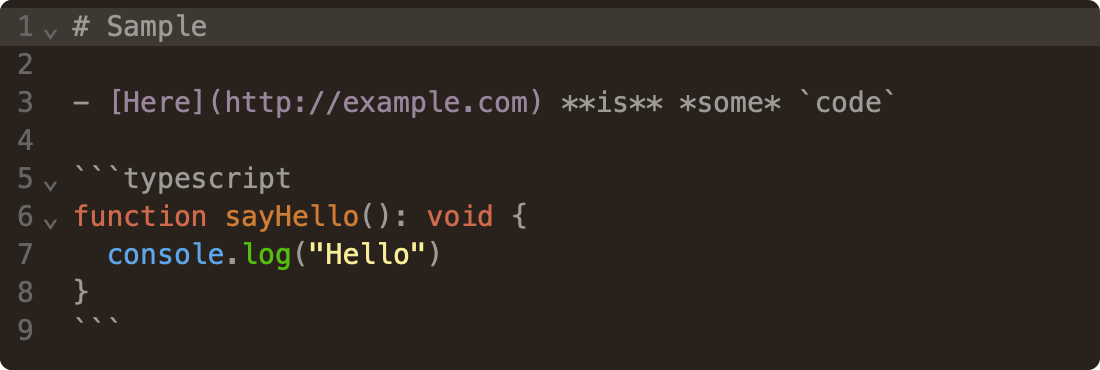
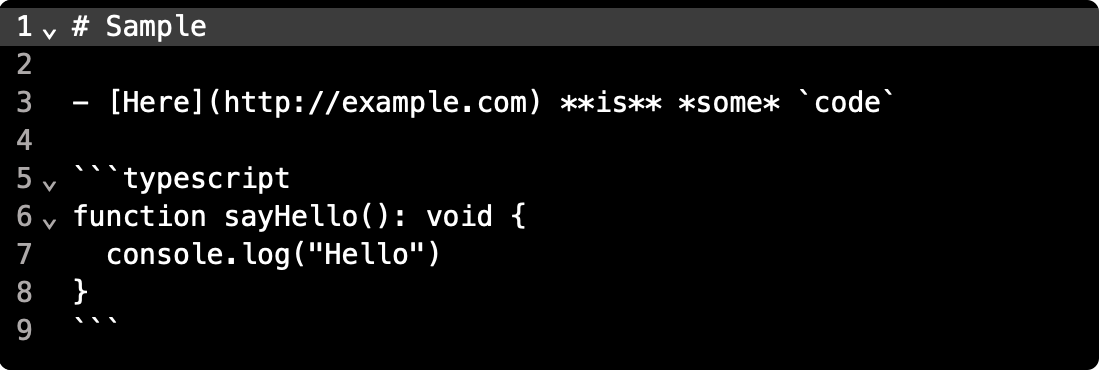
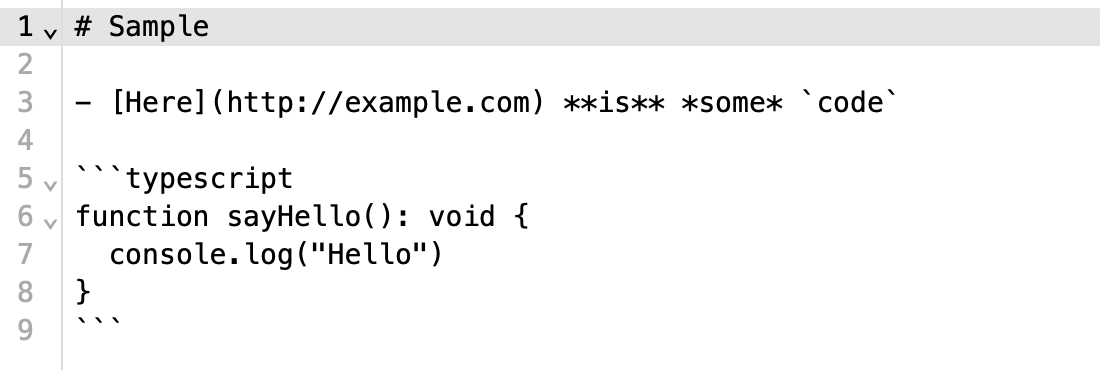
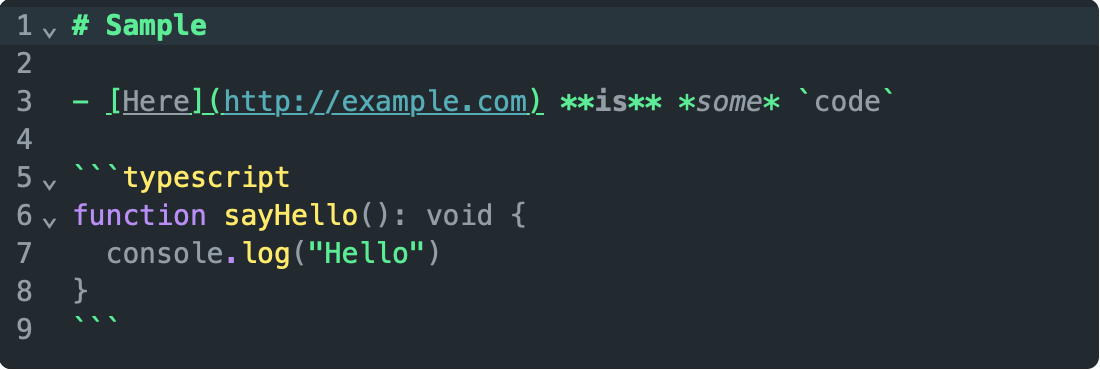
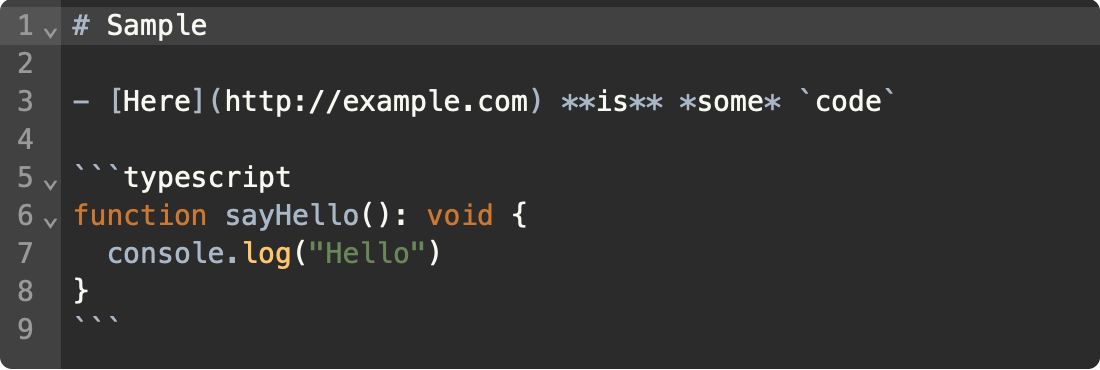
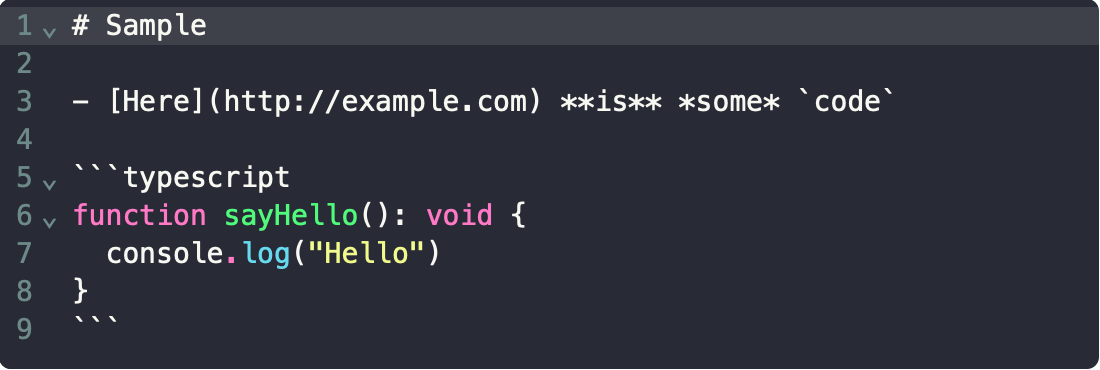
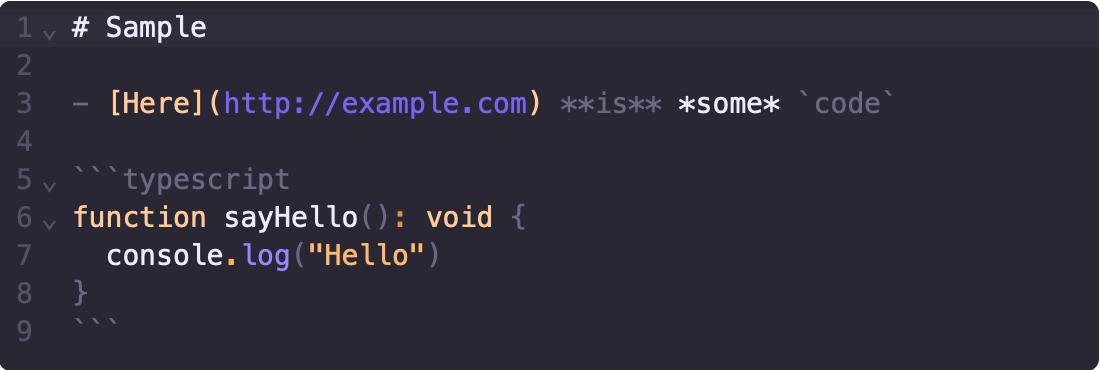
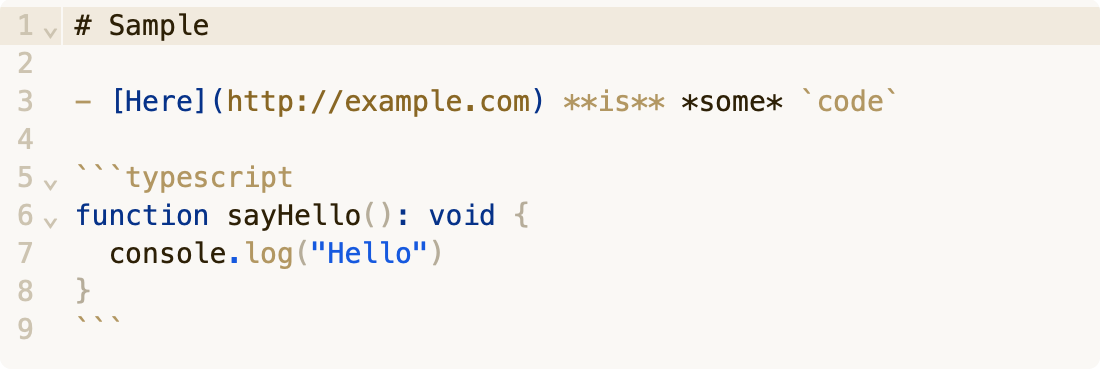
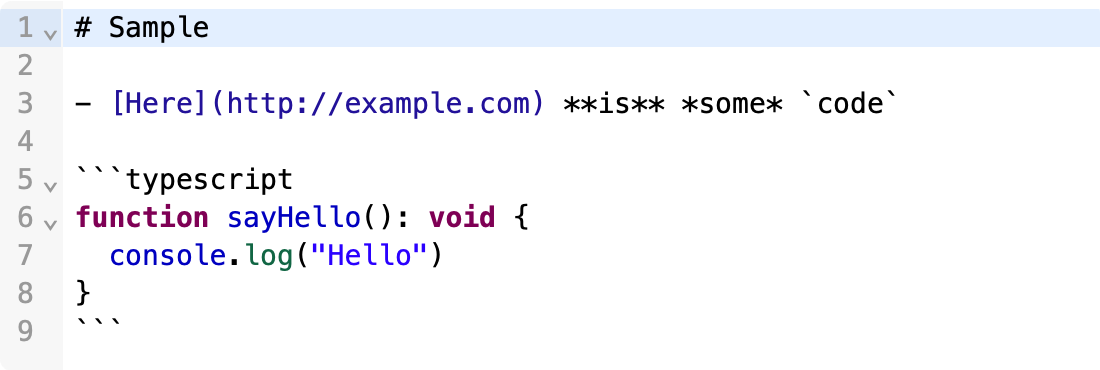
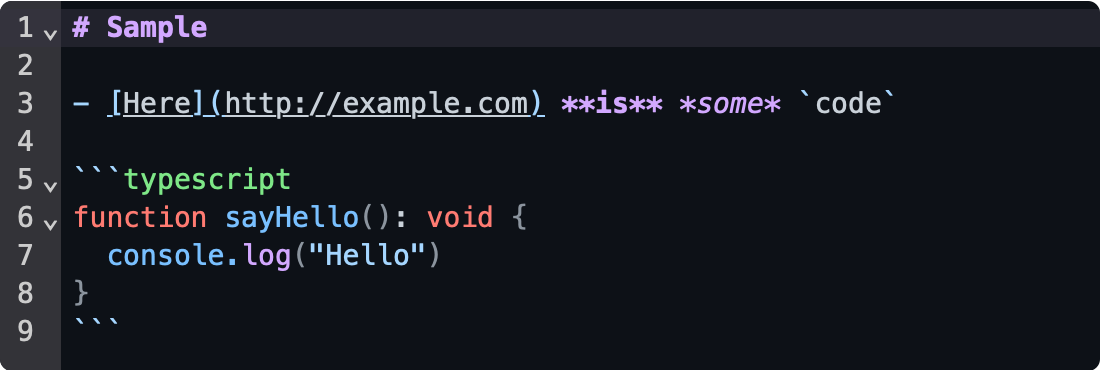
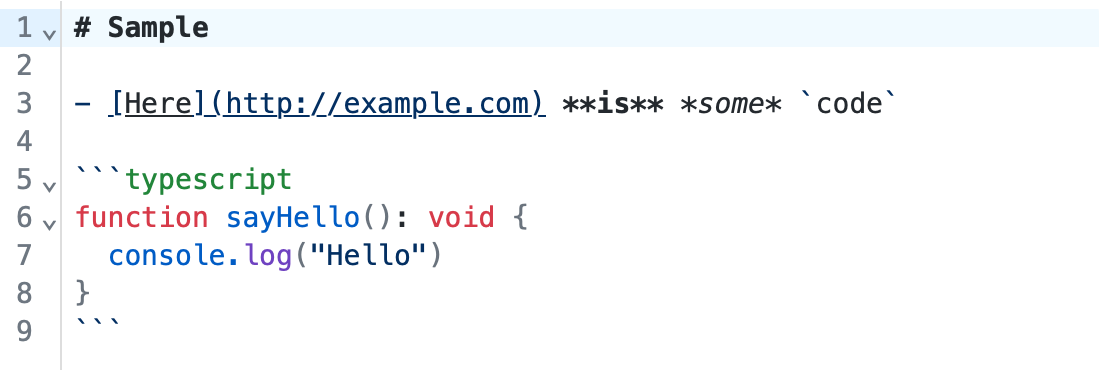
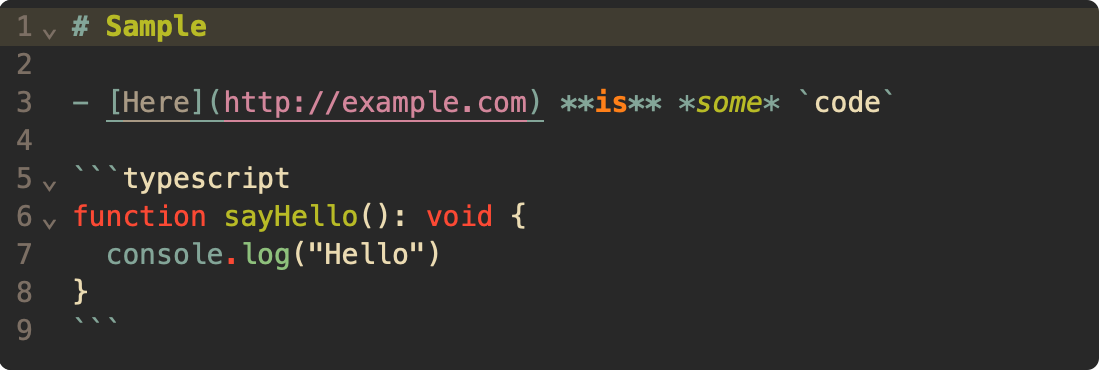
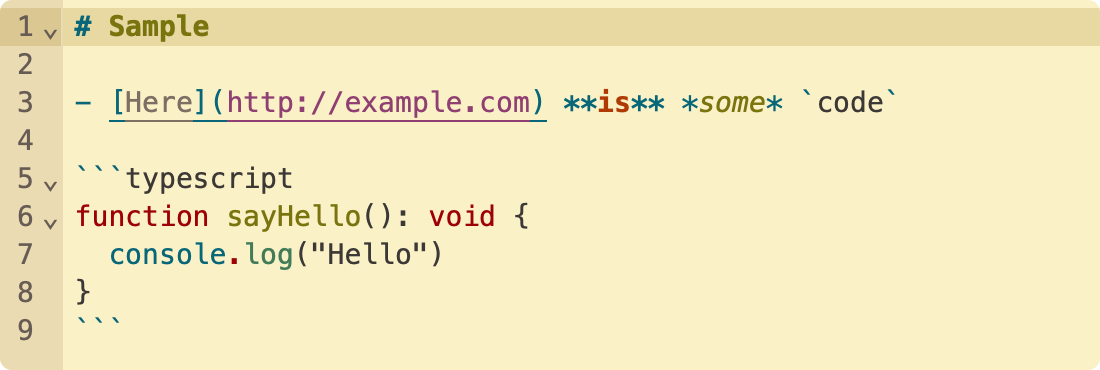
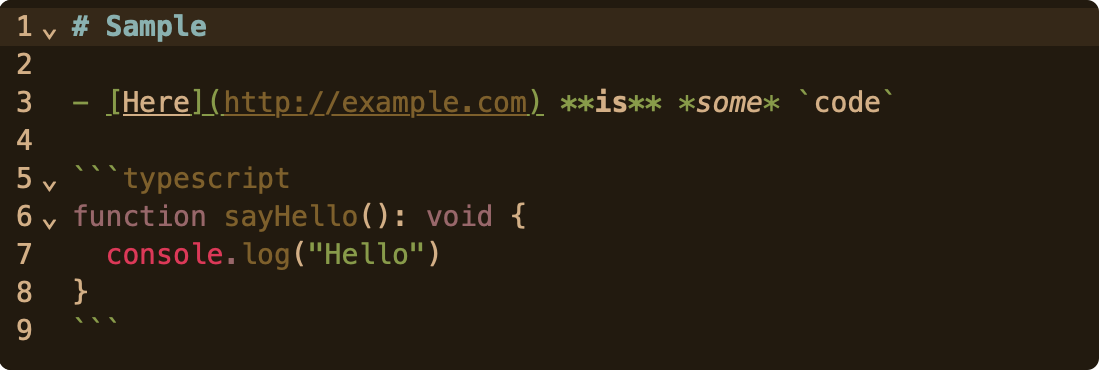
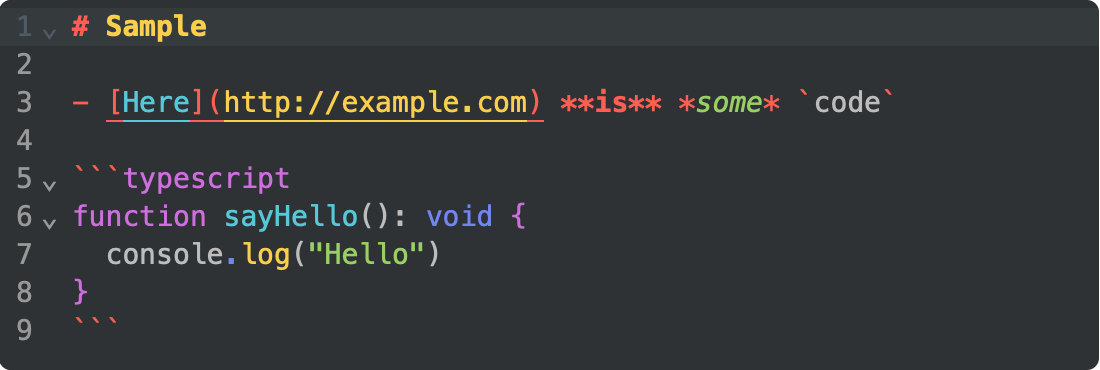
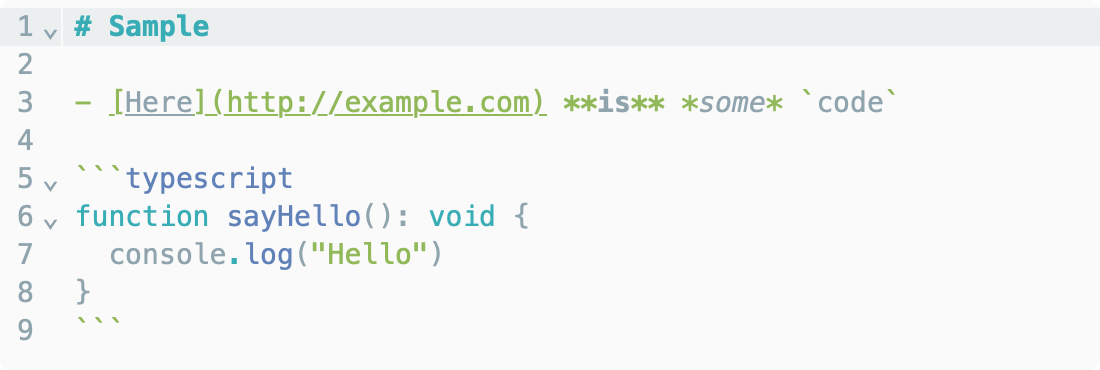
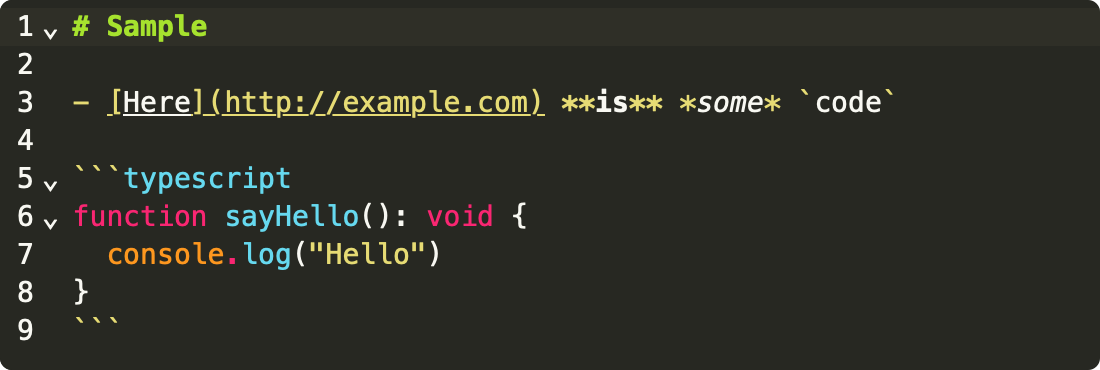
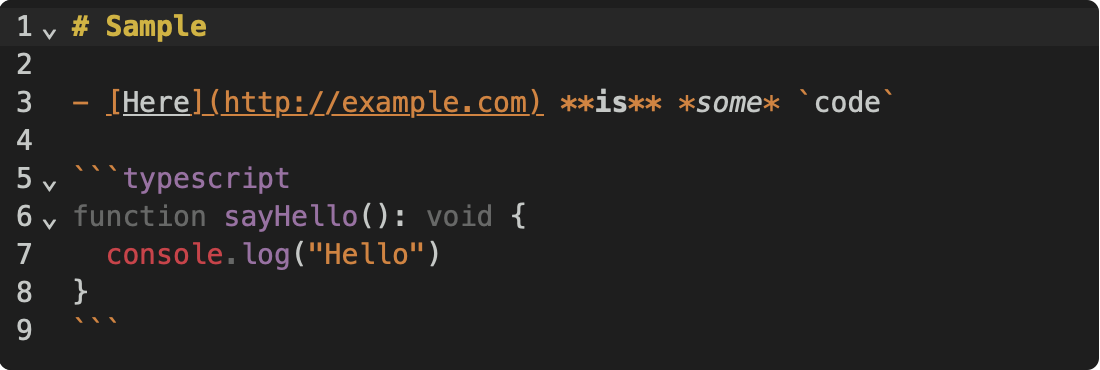
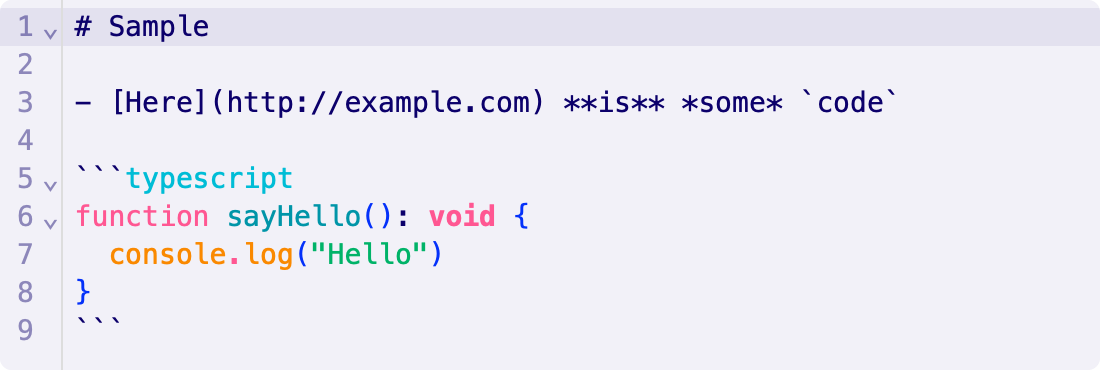
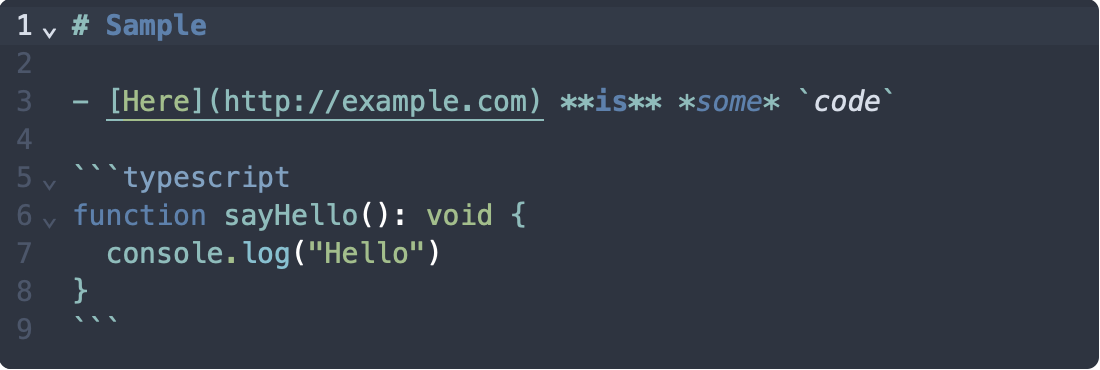
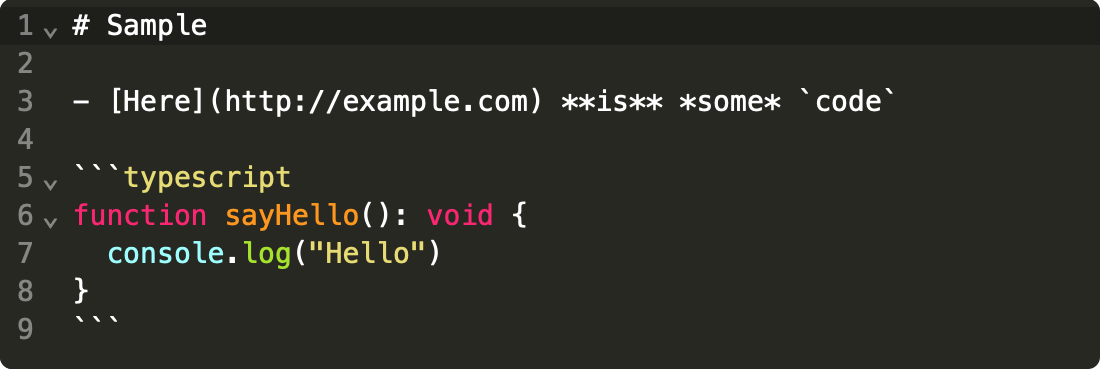
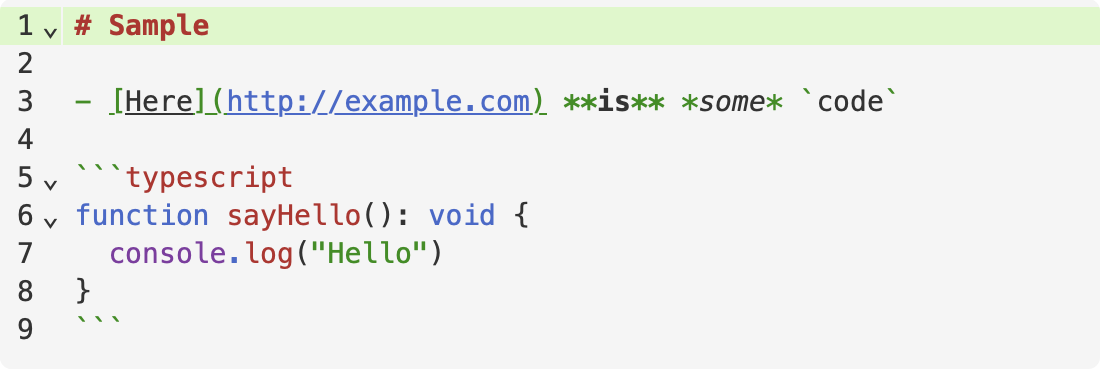
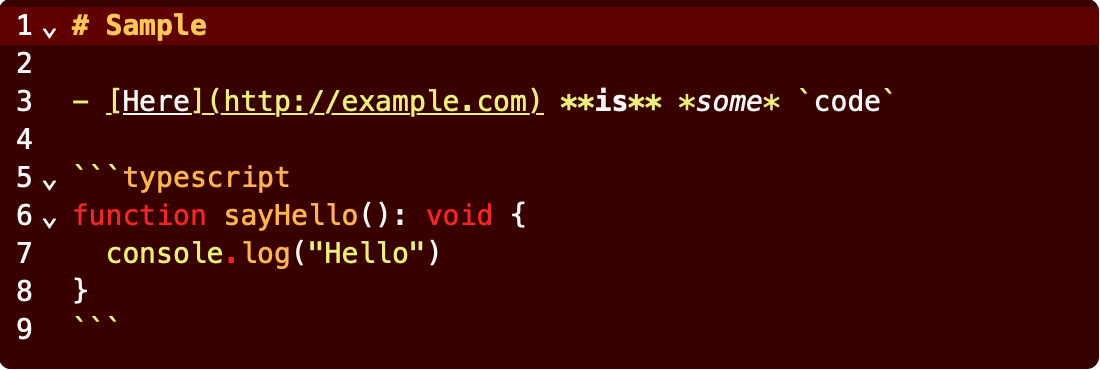
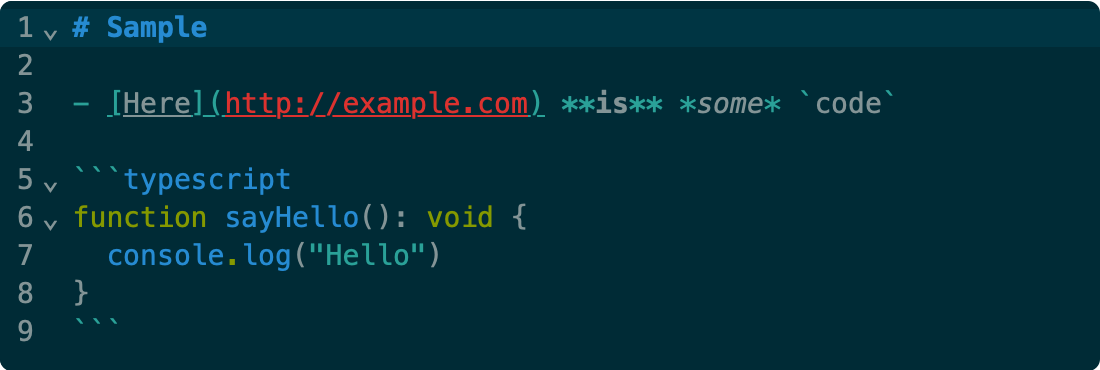
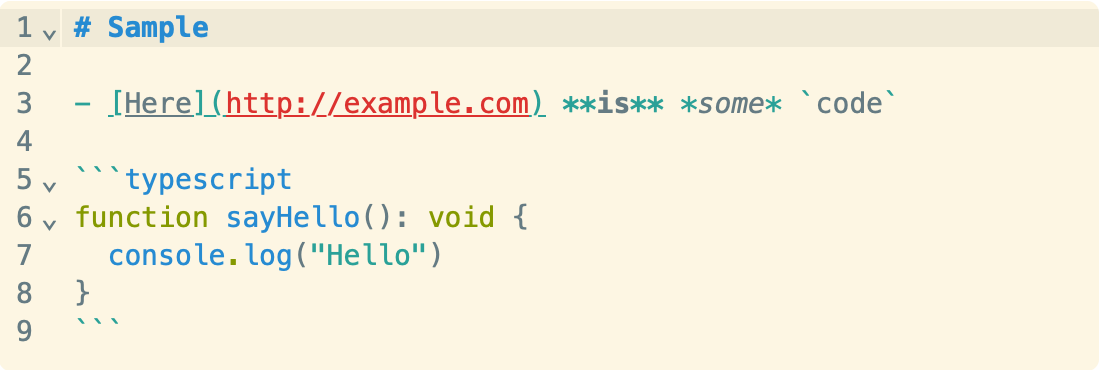
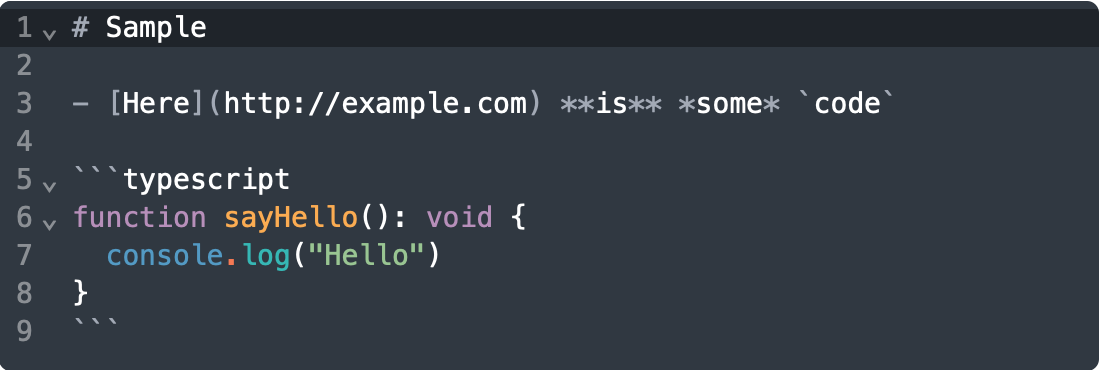
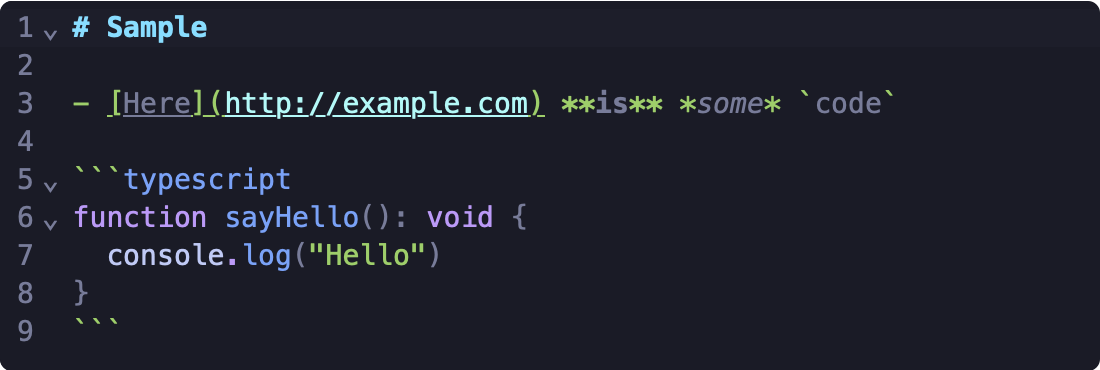
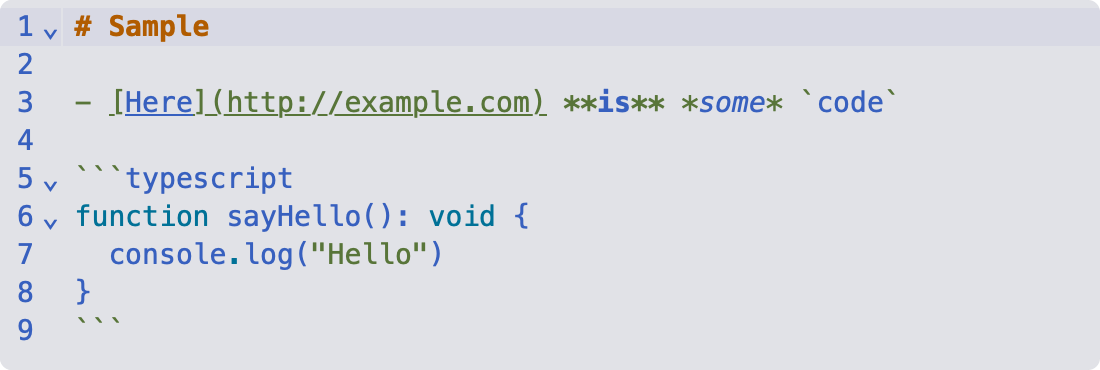
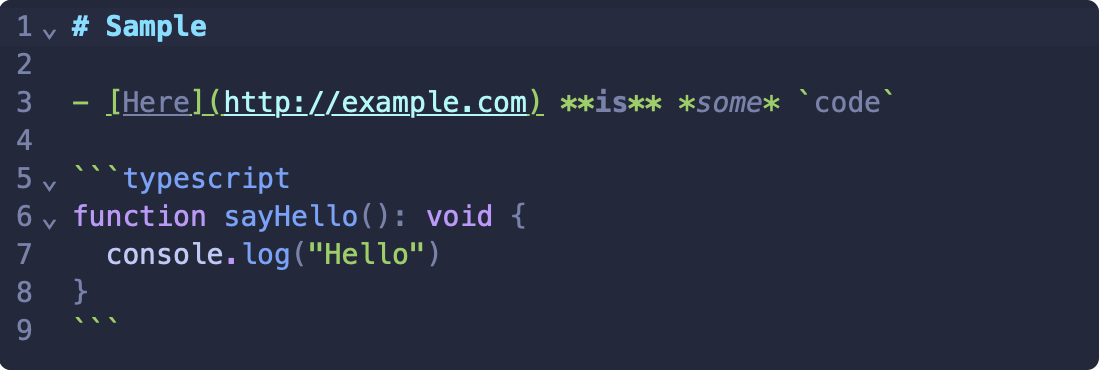
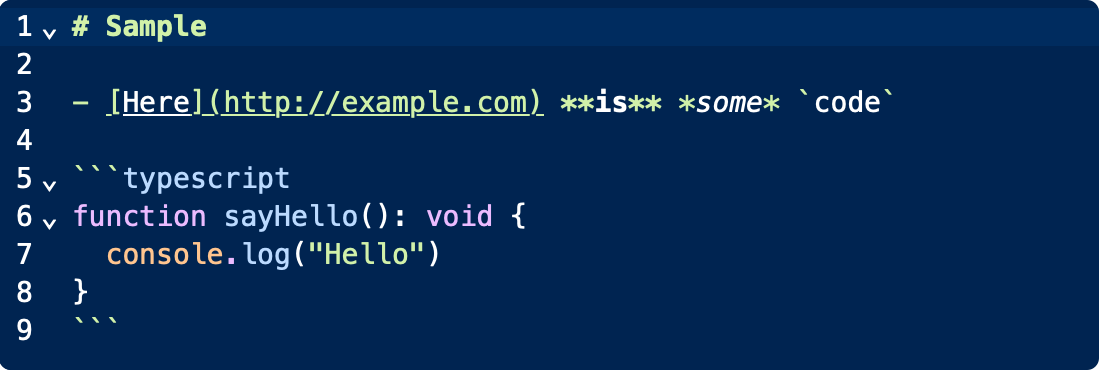
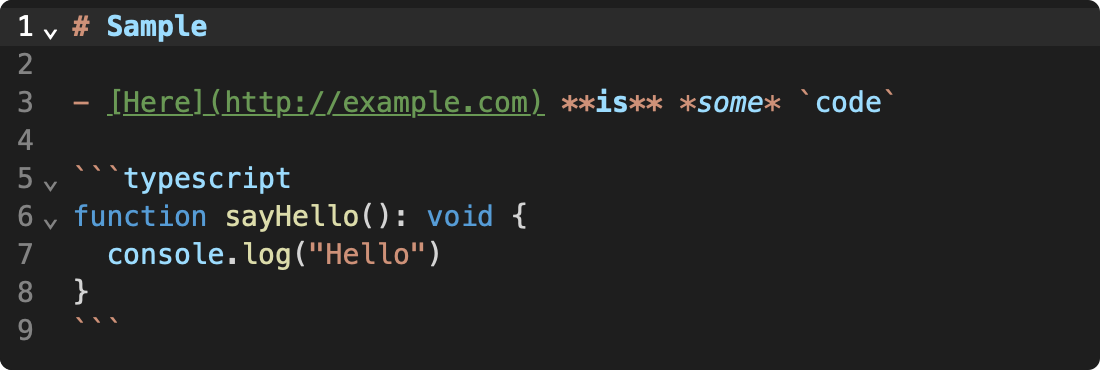
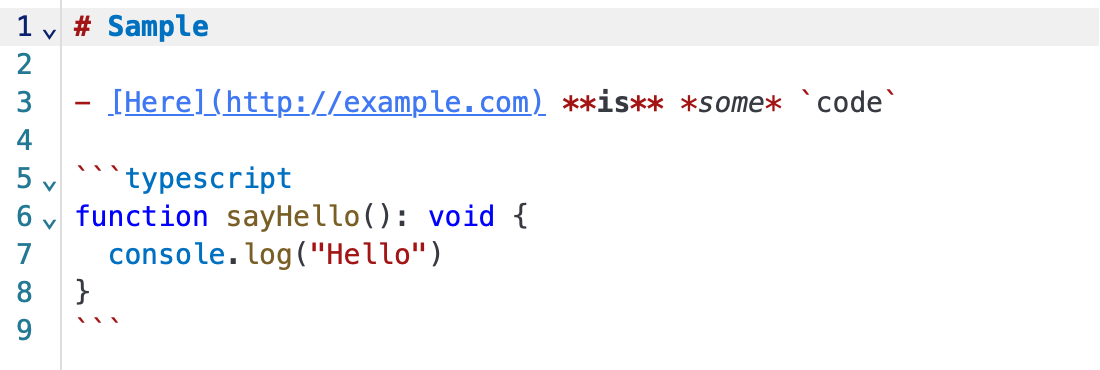
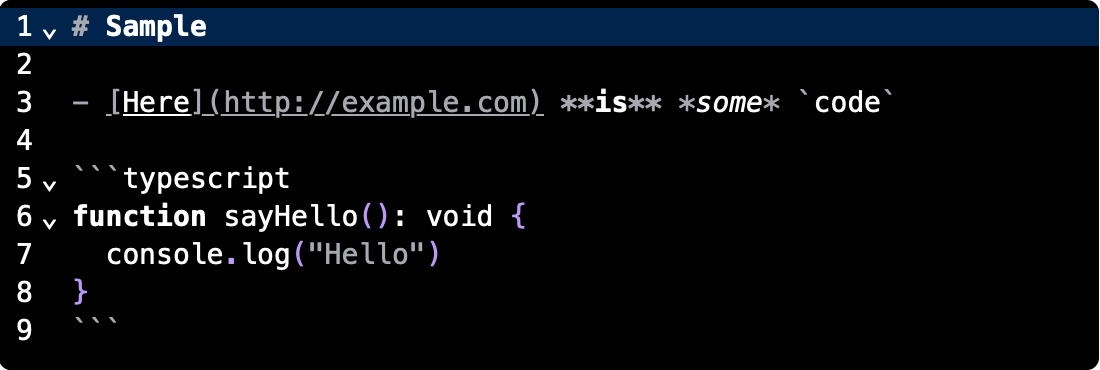
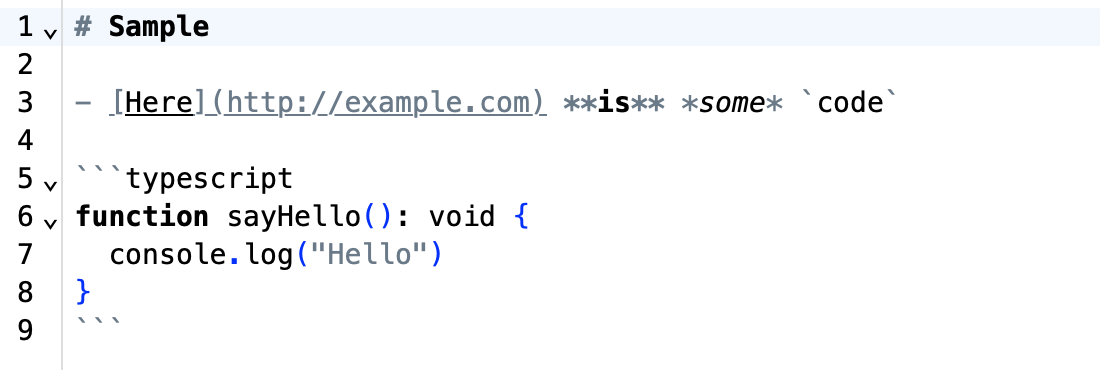
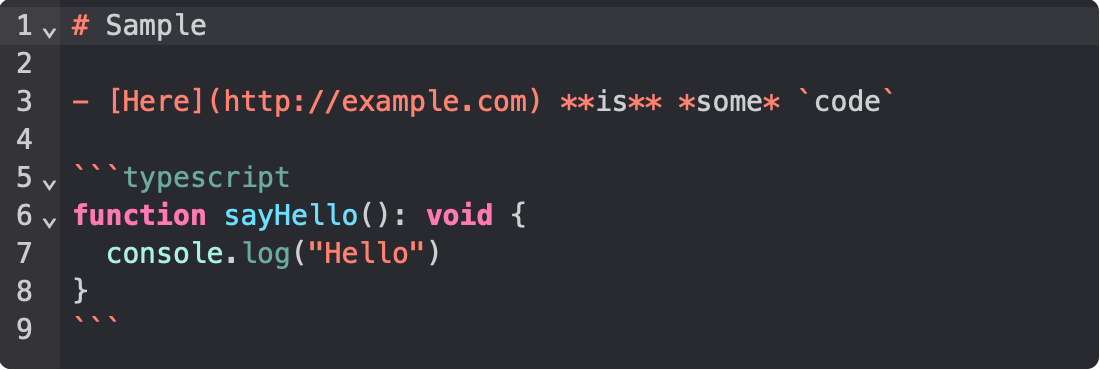
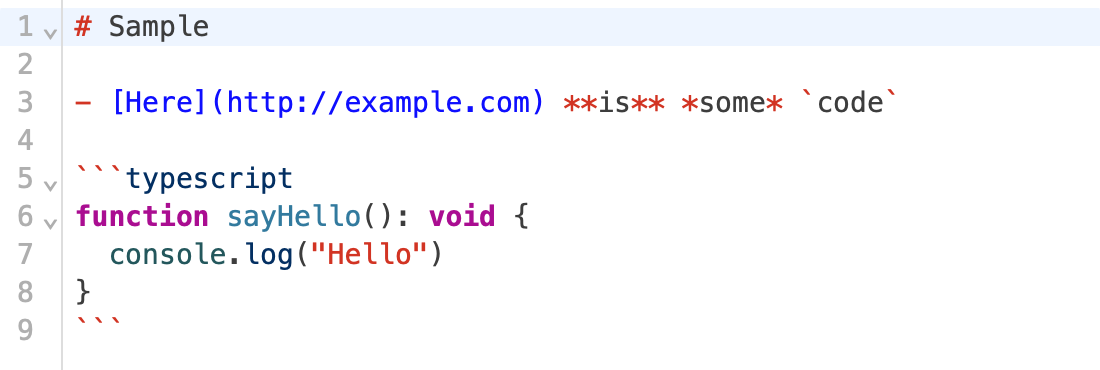
Is there a trick to having this plugin control the editor background color? When I select a theme, it changes the theming for text/markup/syntax/etc. and for the line numbers in the gutter, but the background color is not changed. It seems as if the editor background color is being controlled by Joplin Settings → General → Appearance → Theme.
Just released v1.1.0 which increases precedence of the theme over other ones. Can you give that a try? It's definitely possible that another plugin could be conflicting.
No worries - thanks for attempting to address this. After updating, the MD background editor color still seems unaffected by switching themes. Confirmed that the toggle is set to high, tried toggling it back and forth, etc.
Thanks for the feedback!
I think i found the culprit.
It seems the issue happened because I unknowingly enabled in Options –» General: “Use the legacy Markdown editor”.
Once I disabled it, everything started working.
Hi, themes still don't seem to work for me. I have disable "Use the legacy Markdown editor" and the MacOS theme plugin isn't installed. Any ideas why the themes plugin might not be working?