Note:
This plugin was created entirely with AI tools, and I may be limited in my ability to fix any issues.
Rich Tables
A Joplin plugin to provide table rendering & table editing in the Markdown editor.
Features
Table Rendering
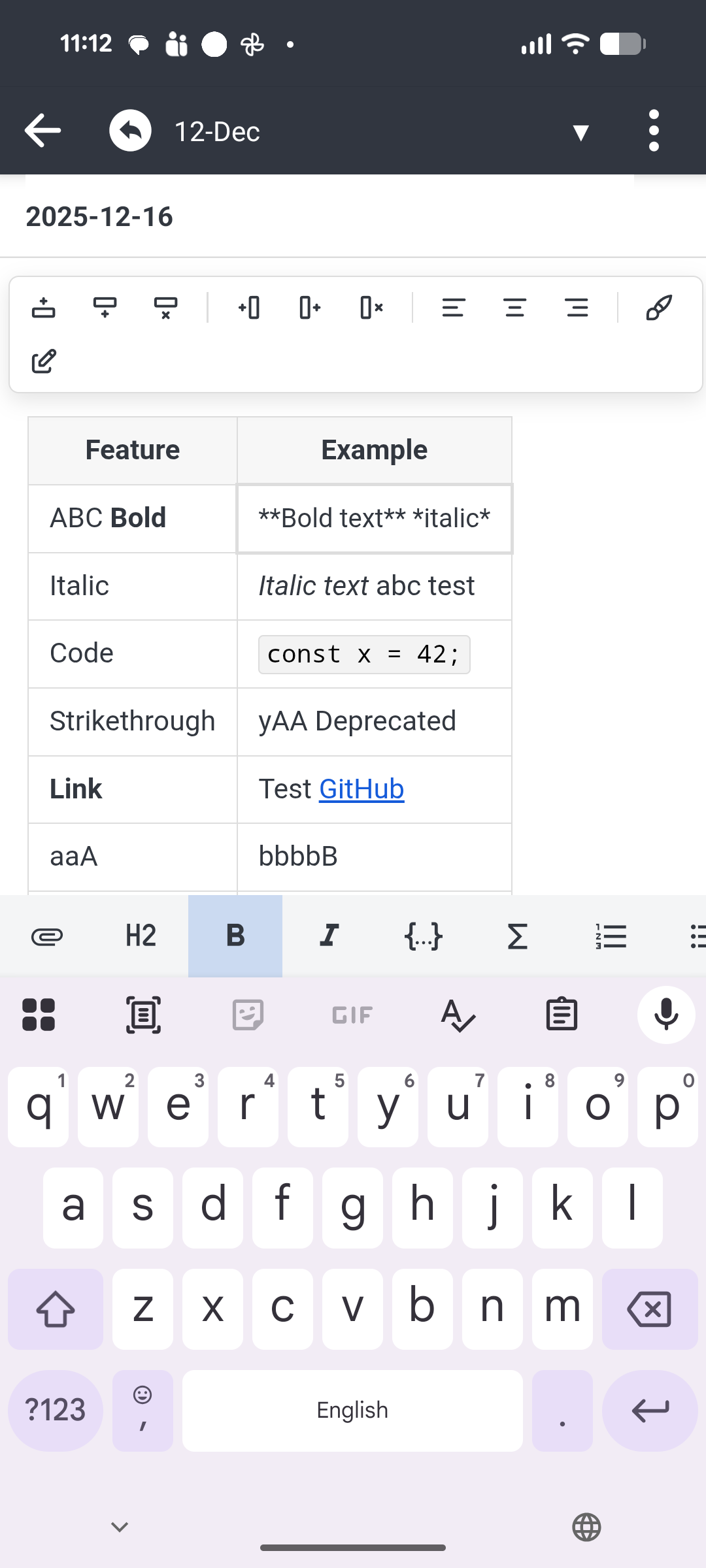
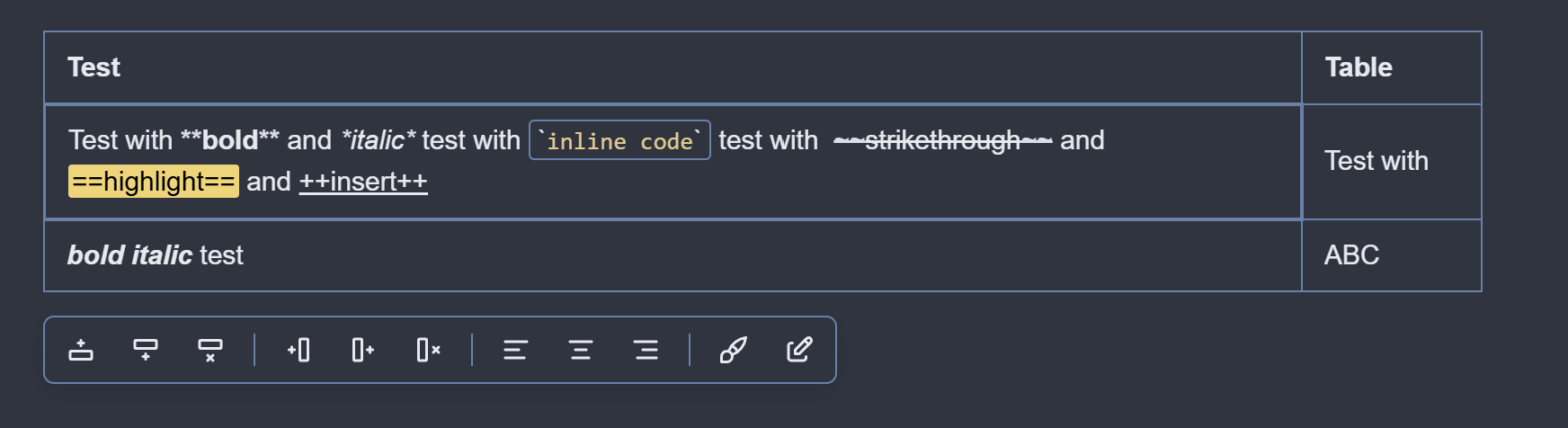
Tables are rendered as HTML in the markdown editor, allowing you to see the HTML formatted table without using the markdown viewer.
Table rendering includes rendering of inline markdown and image embeds.
Table Editing
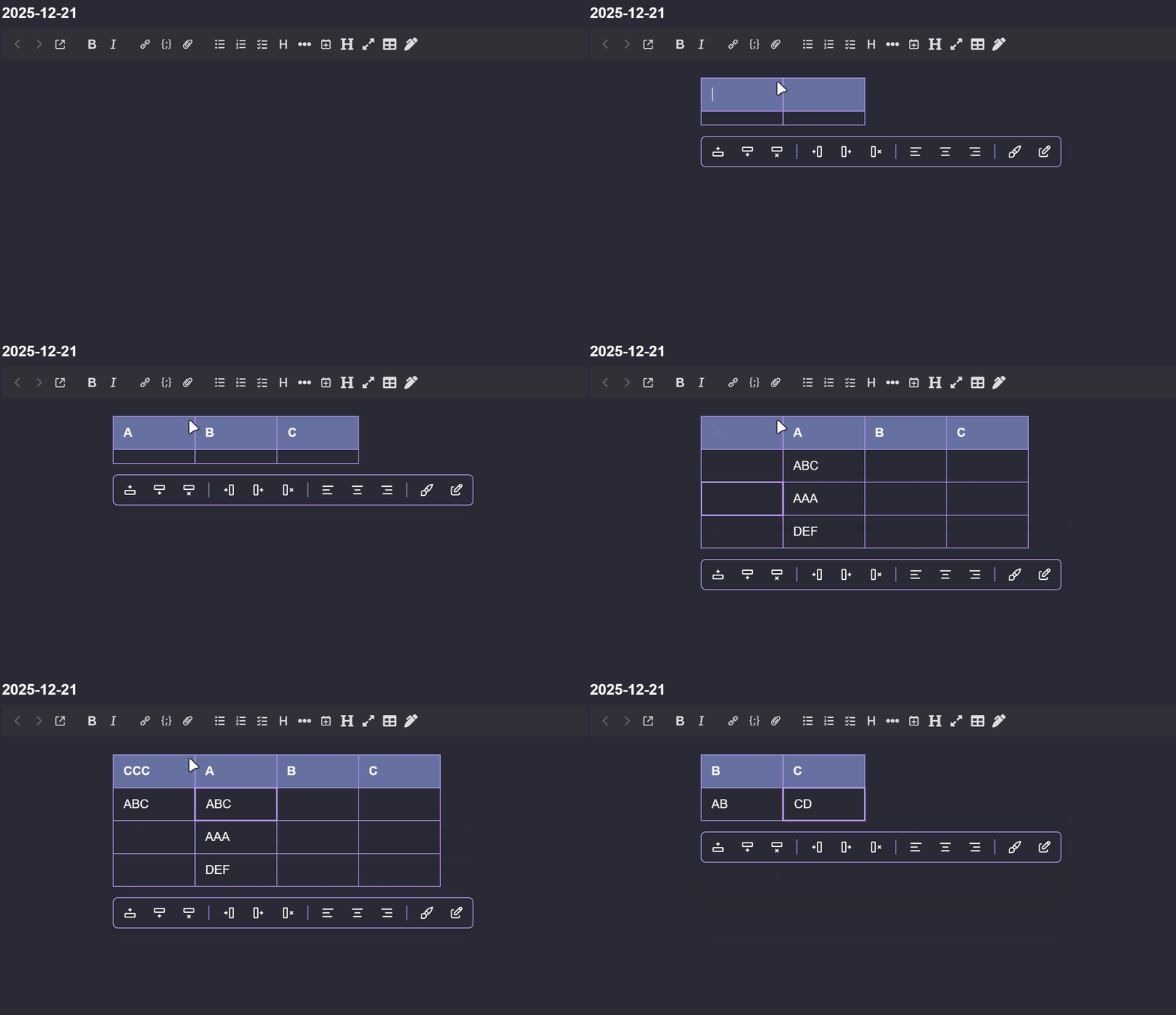
Provides table editing from the rendered HTML table similar to the Rich text editor. The following operations are supported:
Editing table cells (with syntax highlighting for markdown)
Adding/Deleting rows
Adding/Deleting columns
Changing column alignment (left/center/right)
Format table (currently just normalizes whitespace to one space around cell content, no full-on pretty formatting currently).
Important Notes/Limitations
Table limitations
Only supports markdown tables (GFM). Doesn't support HTML tables, multi-markdown table extensions, etc...
Limited support for multi-line content (you can use shift + enter to add a <br> and newlines will be converted to <br> for pasted content, but they aren't rendered as line breaks during editing).
OK. That’s fantastic. I’m excited about it on Windows and have used it already. However, I tried to use it on Android yesterday. It says 1.02 in the description, but is 1.00. However, nothing showed up on my tablet. I tried enabling and then disabling. I tried closing Joplin and then closing the Joplin window as well, then re-opening. You instructions don’t mention Android.
But, since you really do have it working on Android, why am I not seeing anything? My guess is I’ve got some setting somewhere which isn’t showing something, but have no idea what it could be. What should appear where on Android and what settings might I have wrong? I’d like tables on Android.
I'm not sure why it would still be showing version 1.0.0, both the package.json and manifest.json versions are correct in the published plugin, and I tested uninstalling the plugin on my android phone, searching for it under plugins and installing it and it shows version 1.0.2 as expected
What version of joplin are you running?
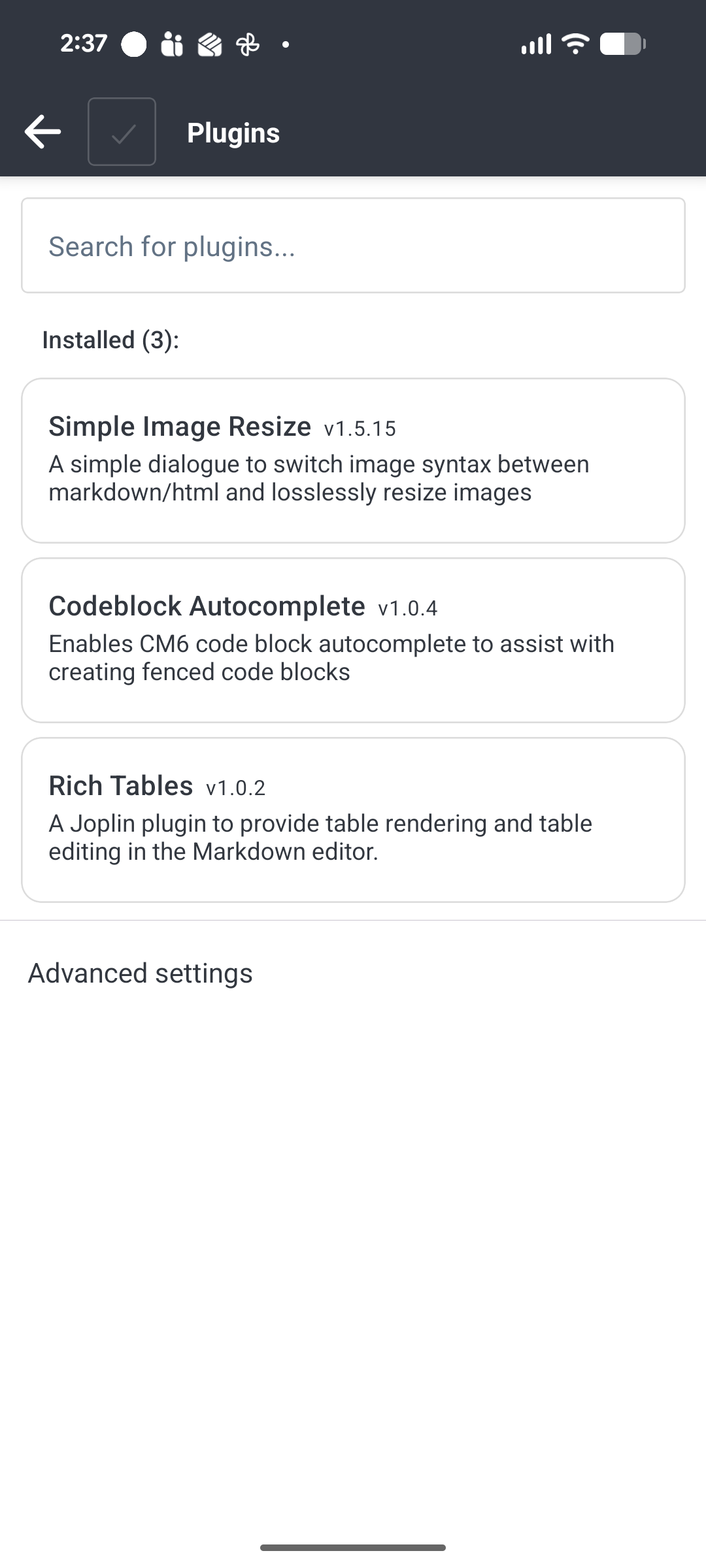
Does it show as installed under Configuration | Plugins? If so, does it show an error status? (IIRC if there's an error loading a plugin on mobile it will show some kind of error here with an option to see debug log)
It should just work (render tables in the markdown editor) after installation.
It won't show up under under the main "configuration" menu under android (because I haven't implemented any settings for this plugin).
You should that it shows as installed under Configuration | plugins, and you should also see a button to create a new table in the formatting toolbar:
Basic multi-line support and improved escape handling
It's now possible to paste multi-line content into table cells (newlines will be converted to br)
On desktop hitting shift + enter will create a <br>
Improved automatic escaping of pipe characters when pasting/typing in table cells (now properly tracks number of backslash escapes needed to properly escape).
When characters are inserted while typing (backslash escapes for pipes, <br> for newlines) it will now position the cursor after the characters instead of before.
Cursor/Scrolling/Stability Improvements
Fix issue where, when you have table cell editor open and you click outside the table, cursor would appear 1 line below where you clicked
Fix issue where, when you have table cell editor open and you click outside the table, scroll could jump upwards
Adjust CSS so that wide tables get their own scrollbar. This fixes most of the remaining scroll jumping issues on android. Sufficiently large tables were basically breaking the entire layout (e.g. breaking line wrapping on other tables) causing jumping when editing those tables. This is also more inline with the behavior of joplin's TinyMCE and prosemirror table editors which give wide tables their own scrollbar.
NOTE: There's still one scroll jumping behavior that I can re-create (on desktop), if you have a table with a scrollbar > type some text > undo it scrolls to the left, but the TinyMCE table editor has the same behavior, might be something inherent to the widget having its own scrollbar.
Other fixes
Allow ctrl + s and ctrl + p keyboard shortcuts when table cell editor is open (so you can trigger sync or go to anything without needing to manually click outside table first).
Yes it shows installed and now it is showing 1.02 as you expected. Perhaps yesterday I got there before 1.02 or something resided in a cache.
OK. I’m guessing there is some menu bar that I turned off because I didn’t use it in Markdown, and now I can’t use it to create or edit tables. OK. So Perhaps I’ve figured it out. I’m guessing
1. there is NO option in Android Joplin to turn off the menu bar.
At some time long ago, I wanted more space and didn’t need a menu bar with bold and italic etc. and edited the style sheet to turn it off.
Now I need to change the style sheet to restore the menu bar to see the create table option.
On my tablet with my keyboard, it is very, very cumbersome to create a table, and I probably won’t do it without the “create table” button. Pipes are difficult to use as they are 3 levels below where letters are. Perhaps if it is the style sheet, I’ll add the menu bar back in and then perhaps shrink my keyboard.
For now the transaction filter still always auto-escapes pipes when you type them, but any existing table content with unescaped pipes in code should be rendered properly now.
Address scroll jumping issues (for real this time)
Implemented a table height cache to resolve the scroll jumping issues when clicking/tapping on tables
Tested on android with ridiculously huge tables and can no longer reproduce the viewport jumping around when I click on or edit tables
Improved table editing toolbar
Refactored using @floating-ui/dom library
More reliable positioning and smoother movement as you scroll
Also updated CSS so that the toolbar wraps depending on viewport size, makes it much more usable on mobile:
Adjust ctrl + a so that it only selects contents of the table cell instead of entire note
Enabled the context menu when editing cells, but note that it's only partially functional on desktop (cut/copy are always grayed out and I haven't found any way to fix that). Cut/Copy does work on android.
Hi @bwat47, v1.2.3 for some reason comes up with this dialogue on attempting to install:
Could not install plugin: Could not download plugin "com.bwat47.rich-
tables" from "https://github.com/joplin/plugins/releases/download/plugins/
com.bwat47.rich-tables%401.2.3.jpl"
However, a manual download and installation, and all works perfectly.
Great plugin, a real time saver, and a big jump forward for the markdown editor!
that's odd, I was able to update one of my machines to 1.2.3 through the plugin update button this morning
I did just push a new release (v1.2.4) to fix a minor issue with the floating toolbar hiding, let me know if you still see an issue with downloading the update when it shows as available