Hello,
Maybe someone can help me?
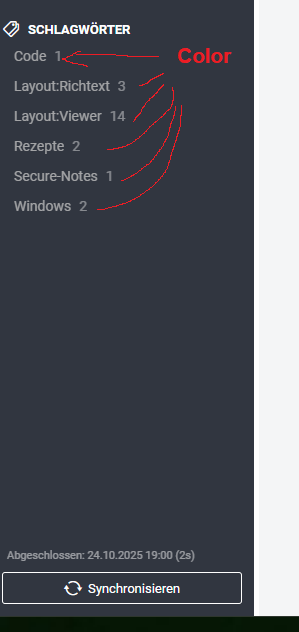
How can I change the color of the keywords and the background of the keywords in userchrome.css?
Thank you.
span.sc-hmdomO.eETgcs.tag-label {
color: black;
font-size: 12px;
 background: MistyRose !important;
 background: linear-gradient(135deg, #6b7fd4, #5a6fc9);
 color: black;
 padding: 7px 8px;
  margin: 14px 14px;
  border-radius: 8px;
}
Tomg1971:
span.sc-hmdomO.eETgcs
Thank you for sharing this!
I would suggest avoiding the auto-generated .sc-hmdomO.eETgcs CSS class names—they are likely to change when a new version of Joplin is released.
For me, it works without the auto-generated class names:
/* If span.tag-label doesn't have high enough precedence, try span.tag-label.tag-label.tag-label. Repeating .tag-label multiple times should make the CSS selector more specific */
span.tag-label {
  color: black;
  font-size: 12px;
  background: MistyRose !important;
  background: linear-gradient(135deg, #6b7fd4, #5a6fc9);
  color: black;
  padding: 7px 8px;
  margin: 14px 14px;
  border-radius: 8px;
}
Thanks for the info.
Yes, it works for me too.

 solution found